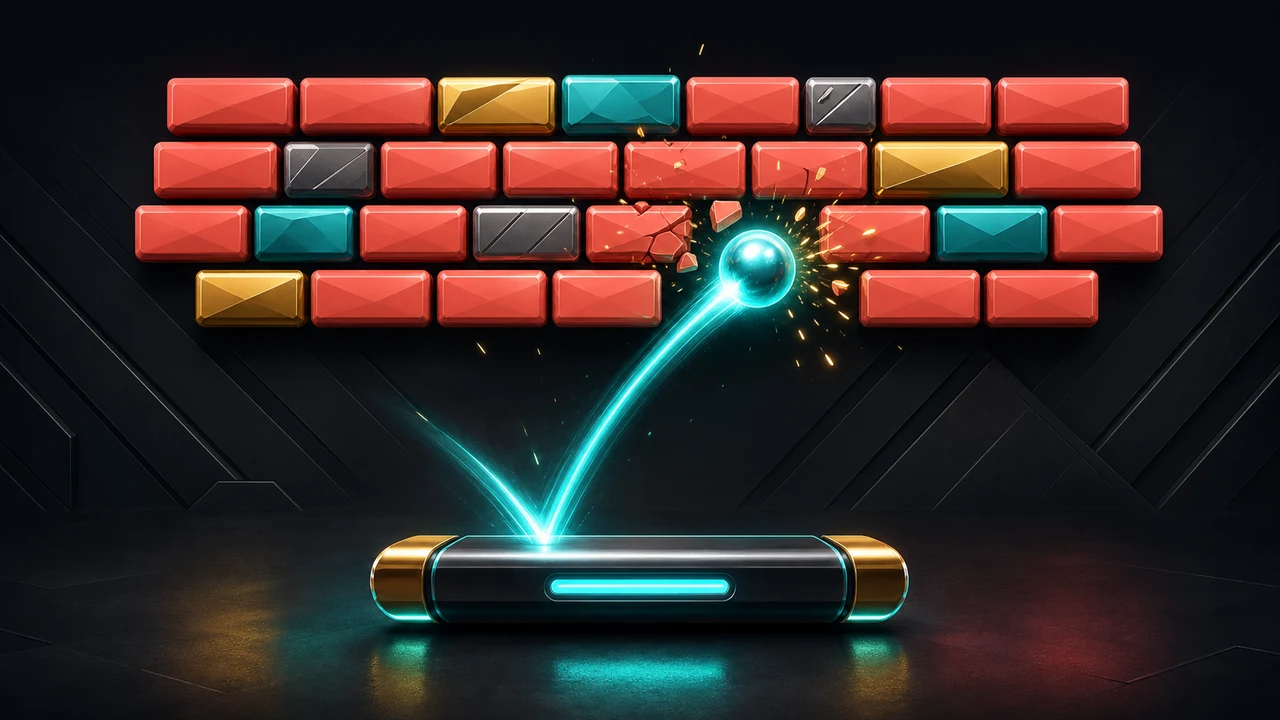
Pong Browser Game
Control a paddle, return the ball, and score as many rallies as possible.
- No download
- Keyboard friendly
- Updated Jun 12, 2026
Play
Play Pong Browser Game
Use the game area below, then check the guide section for controls, tips, and related next steps.
Loading tool...
Guide
How to play and improve
Read the instructions, tips, FAQ, and safety notes before placing ads near active gameplay.
Control a paddle, return the ball, and score as many rallies as possible.
How to play Pong Browser Game
This lightweight no-download browser game is built for short sessions. Play in the interactive area above, then use the controls and tips below to improve your next run.
Controls
| Controls | Use Up/Down buttons on mobile or arrow keys on desktop. |
|---|---|
| Session length | Most rounds take one to four minutes. |
| Install required? | No. It runs directly in the browser. |
Tips
- Stay near the ball height instead of the center of the board.
- Make small corrections early.
- Watch the rebound angle after each paddle hit.
GameLevel quality note
Game pages include controls, practical tips, FAQ, and related links so they are useful beyond the playable area. Gameplay controls should stay separate from ad placements.
FAQ
Is Pong Browser Game free?
Yes. It is free to play in the browser.
Does it work on mobile?
Yes. The layout is responsive, though keyboard controls may feel better for some arcade games.
Does it save progress?
No. These are short-session games and reset when the page reloads.