Simon Says Browser Game
Repeat the color sequence and train short-term memory with a quick Simon Says game.
- No download
- Keyboard friendly
- Updated Jun 12, 2026
Play
Play Simon Says Browser Game
Use the game area below, then check the guide section for controls, tips, and related next steps.
Loading tool...
Guide
How to play and improve
Read the instructions, tips, FAQ, and safety notes before placing ads near active gameplay.
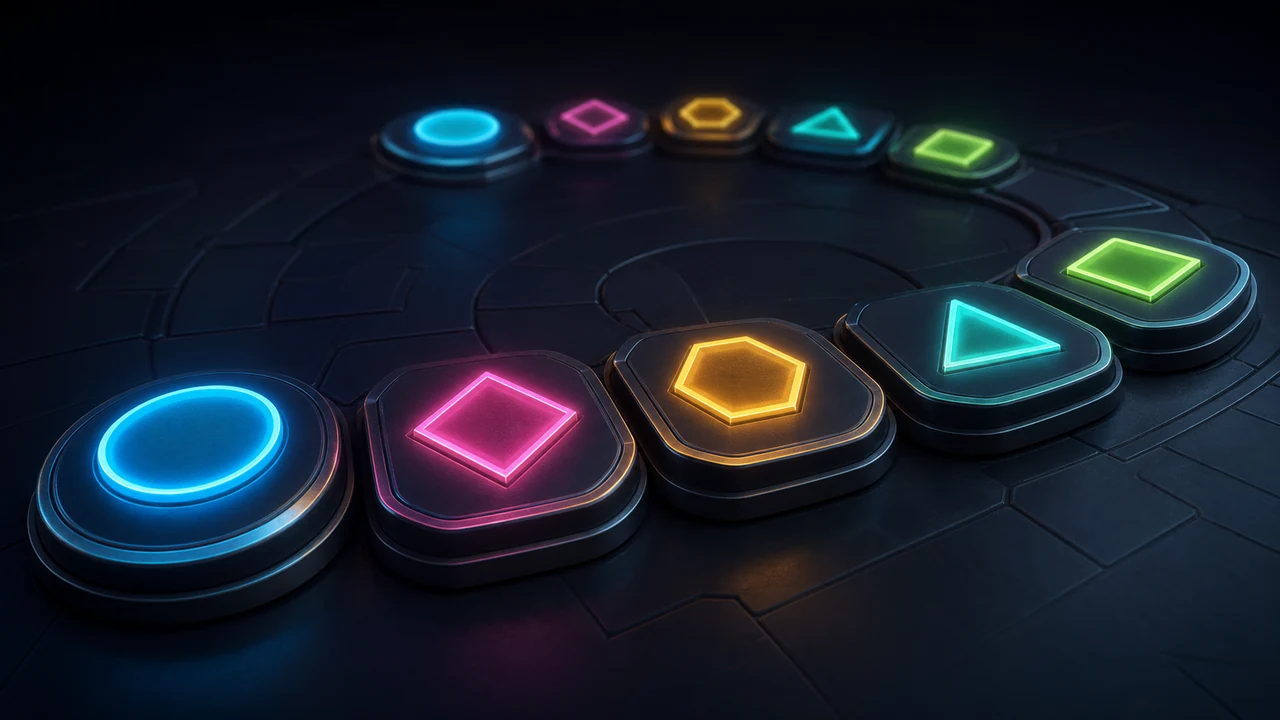
Simon Says is a memory game where you watch a growing color sequence and repeat it in the same order.
How to play Simon Says
Use the playable area above to start a quick session directly in your browser. The game is designed to load fast, work on mobile, and give players a short break between guides, code checks, and utility tools.
Controls
| Input | Press Start, watch the flashes, then tap the colors in order. |
|---|---|
| Session length | Most rounds take one to five minutes. |
| Install required? | No install is required; the game runs in the page. |
Tips
- Say the colors out loud if the sequence gets long.
- Group the pattern into pairs instead of remembering every tap separately.
- Play short sessions and try to beat your previous score.
Why this game fits GameLevel
GameLevel keeps browser games lightweight and paired with useful instructions, tips, and related pages. That keeps the page helpful for real players instead of being only a game canvas.
FAQ
Is Simon Says free?
Yes. You can play it in the browser without creating an account.
Does it work on mobile?
The controls are built to work on small screens, although a keyboard may feel better for some games.
Does the game save progress?
No. These are short-session browser games, so progress resets when you restart or leave the page.